Writing blog posts has changed dramatically over the past couple of years. What used to take me four to five hours now takes half that time, not because I cut corners but because I learned how to talk to AI in a way that actually produces useful content. The secret is not just typing a question and copying whatever comes out. It is about using the right prompts, structuring your requests properly, and then adding your own voice on top of the raw output.
I have been blogging since 2018 and have published over 50 articles across multiple websites. When AI writing tools first arrived, I was skeptical. The content felt robotic and generic. But after months of experimentation, I figured out a system that works. This guide shares exactly how I use AI prompts to speed up my writing process while keeping the content genuinely helpful and original.

Why Most Bloggers Fail With AI Writing
Before diving into the prompts themselves, it helps to understand why most people get disappointing results from AI tools. The number one mistake is treating AI like a magic content machine. You paste a vague instruction like "write a blog post about SEO" and expect a finished article. What you get instead is a generic piece that reads like every other SEO article on the internet.
Google has gotten remarkably good at detecting this kind of content. The helpful content updates in 2024 and 2025 specifically targeted sites that published mass-produced AI articles without adding unique value. If your AI-generated post does not offer something that other articles on the same topic do not, it will not rank.
The second common mistake is publishing AI output without editing. Even the best prompts produce content that needs human refinement. AI lacks personal experience, specific examples from real projects, and the natural flow that comes from actually having done the thing you are writing about.
The Framework I Use for AI-Assisted Blog Posts
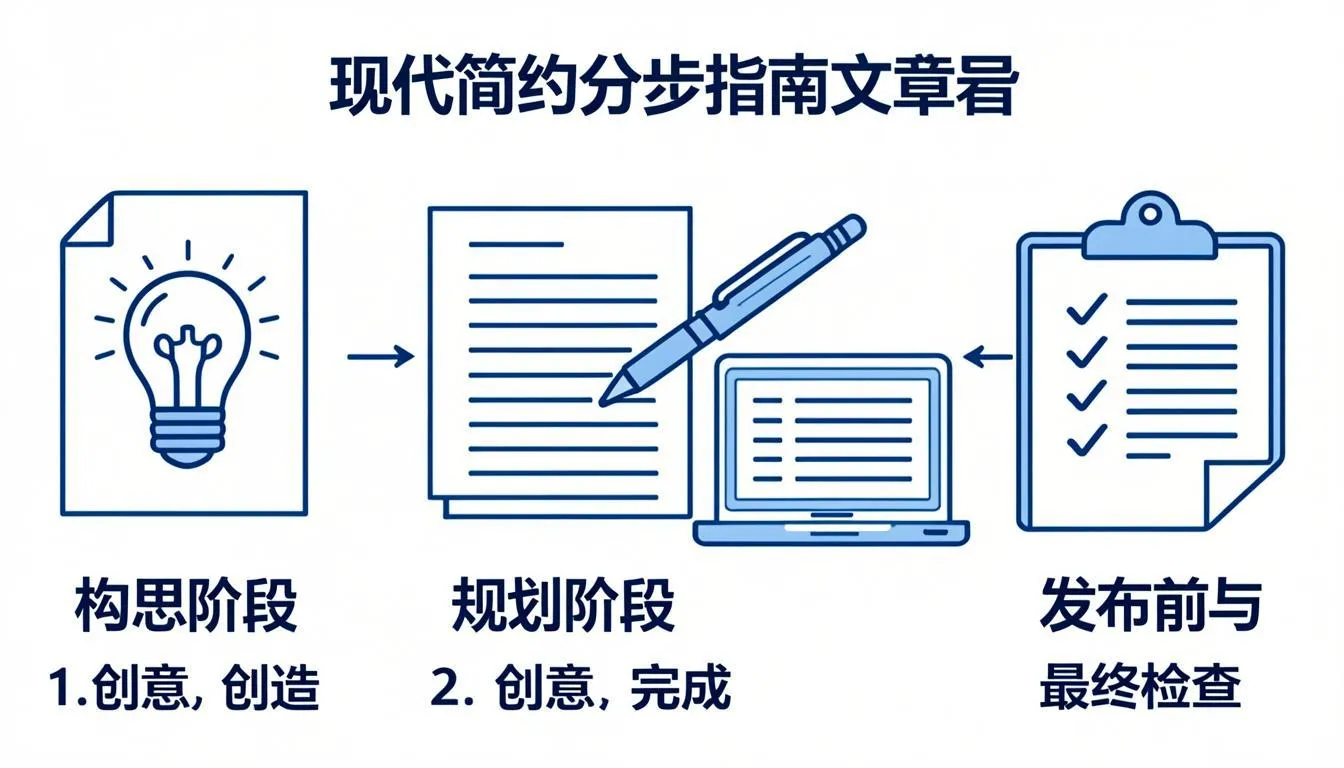
Rather than asking AI to write an entire post from scratch, I break the process into stages. Each stage uses a specific type of prompt designed for that particular task. Here is the exact framework I follow.
Stage 1: Research and Outline Generation
I start by having AI help me research the topic and build a structured outline. This is where AI genuinely excels. It can analyze what angles competitors are covering and suggest gaps you can fill.
The prompt I use looks something like this:
"I am writing a comprehensive blog post about [topic] for [audience]. Analyze the top-ranking articles on Google for this topic and give me: 1) The main subtopics they all cover, 2) Important subtopics that most articles miss, 3) A unique angle I could take, 4) A detailed outline with 8-12 headings."
This approach gives you a research-backed outline rather than a generic one. The AI identifies what is already being discussed and points out opportunities to add something different.
Stage 2: Writing Individual Sections
Once I have the outline, I write each section separately. This is crucial. Writing section by section produces much better results than asking for the entire article at once because the AI can focus deeply on each topic without losing context.
For each heading in my outline, I use a specific prompt:
"Write 200-300 words for the section titled '[heading]' about [topic]. Include a real-world example. Write in a conversational but informative tone. Use short paragraphs of 2-3 sentences. Do not use filler phrases like 'in today's digital landscape' or 'it's important to note.'"
Notice how specific this prompt is. I tell the AI the exact word count, the tone, the paragraph structure, and what to avoid. The more specific your instructions, the better the output.
Stage 3: Adding Personal Experience
This is where the human element comes in. After getting the AI-drafted sections, I go through each one and add my own experience. If the AI mentions that internal linking improves SEO, I add a note about how I implemented internal linking on my own sites and what results I saw.
If you want to learn more about how SEO strategies translate to real traffic, check out my detailed comparison of the best AI SEO tools that I tested across multiple websites last year.
Personal anecdotes and real data points are what separate content that ranks from content that gets buried. Google's E-E-A-T guidelines specifically reward content that demonstrates first-hand experience.
Stage 4: Optimization and Internal Linking
The final stage is where I optimize the post for search engines and add internal links. I look at the keyword density, make sure the main keyword appears naturally in the first paragraph and a couple of headings, and identify opportunities to link to other posts on my site.
Natural internal linking is one of the most underrated SEO strategies. When I was learning how backlinks affect SEO rankings, I discovered that strategic internal links can be just as powerful for helping Google understand your site structure. I always link to related articles using descriptive anchor text of two to eight words rather than generic phrases like "click here."
Proven AI Prompt Templates for Blog Writing
Here are specific prompt templates I use regularly. You can adapt these to your niche and writing style.
Blog Post Introduction Generator
"Write a compelling introduction for a blog post about [topic]. Start with a relatable problem or surprising statistic. Then transition to what the article covers. Keep it between 150-200 words. Use a conversational tone as if explaining to a friend. Do not use the phrase 'in this article we will discuss.'"
How-To Section Writer
"Write a step-by-step guide on [specific task]. Break it into 6-8 clear steps. For each step, explain what to do, why it matters, and what could go wrong if done incorrectly. Include a practical tip at the end of each step. Use short paragraphs. Write in plain English that a beginner would understand."
Comparison Section Creator
"Write a comparison between [option A] and [option B] for [specific use case]. Cover pricing, ease of use, features, support, and real-world performance. Present the information objectively with clear pros and cons for each. Help the reader decide which is better for their specific situation."
List Article Framework
"Create a list of [number] [items] for [audience]. For each item, write a heading, 2-3 sentences explaining what it is, 3-4 sentences explaining why it made the list, and one practical tip for using it effectively. Order the list from most to least important. Make each item's section unique and informative."
Conclusion Writer
"Write a conclusion for a blog post about [topic]. Summarize the 3-4 key takeaways without repeating the same phrases used earlier in the article. End with an actionable next step the reader can take today. Keep it between 100-150 words. Do not use generic closing phrases like 'in conclusion' or 'wrapping up.'"
Best AI Tools for Blog Writing in 2026
Not all AI writing tools are created equal. Some are better for research, others for drafting, and still others for editing. Here is a quick rundown based on my experience.
ChatGPT (GPT-4o) remains the most versatile option. It handles research, outlining, drafting, and editing reasonably well. The key is using specific prompts like the ones above rather than generic requests.
Claude (Anthropic) produces content that feels more natural and less formulaic than ChatGPT. I often use Claude for the final editing pass because it has a better sense of flow and readability.
Jasper AI is built specifically for marketing content and includes templates for blog posts, social media, and email. It is worth considering if you need a tool that requires less prompt engineering.
Perplexity AI is excellent for the research phase because it pulls real-time data from the web and cites sources. I use it when I need current statistics or recent developments for an article.
How I Maintain Quality While Using AI
Quality control is non-negotiable. Here are the specific checks I run on every AI-assisted post before it goes live.
First, I read the entire article aloud. If any sentence sounds awkward or robotic, I rewrite it. This alone catches most AI-sounding phrases.
Second, I check for factual accuracy. AI can confidently state incorrect information. Every statistic, claim, or technical detail gets verified before publishing.
Third, I make sure the post adds something unique. If another article already covers the same points in the same way, I either add my personal experience or find a different angle entirely.
Fourth, I verify that internal links are placed naturally within paragraphs using descriptive anchor text that tells both readers and search engines what the linked page is about. This is something I learned when I was fixing duplicate content issues on my sites and realized how much site structure affects rankings.
A Real Workflow Example
Let me walk through how I wrote this exact post using AI prompts.
I started by asking ChatGPT to analyze existing articles about AI prompts for blog writing. It identified that most articles gave generic prompts without explaining the framework behind them. That became my unique angle.
Then I used my outline prompt to create a structured plan. The AI suggested sections I would not have thought of, like the "Why Most Bloggers Fail" section that opens this article.
For each section, I drafted content using my section-specific prompts. Then I went through every paragraph, adding my own experience from eight years of blogging and web development.
The result is an article that AI helped me research and structure, but the voice, experience, and specific examples are entirely mine. That is the right way to use AI for content creation.
Getting Google AdSense Approval With AI-Assisted Content
One question I get asked often is whether Google AdSense will approve a site that uses AI-assisted content. The answer is yes, as long as the content meets AdSense requirements. Google does not penalize sites for using AI tools. It penalizes sites that publish low-quality, unhelpful content regardless of how it was produced.
If you are working toward getting AdSense approval on your website, the AI prompting techniques in this article will actually help. They enable you to produce more content at higher quality, which is exactly what Google wants to see during the review process.
Final Thoughts
AI prompts are a powerful tool for bloggers, but they are just that: a tool. The quality of your content still depends on your expertise, your editing skills, and your willingness to add genuine value. Use AI to speed up research and drafting, then invest the time you save into making each article uniquely helpful to your readers.
Start with the prompt templates I have shared here, adapt them to your writing style, and build your own library of go-to prompts over time. The bloggers who thrive in 2026 are not the ones who avoid AI or the ones who rely on it completely. They are the ones who use it strategically as part of a quality-focused workflow.