Auto ads promise the dream setup: paste one code snippet, let Google's models place units, and never touch ad code again. The reality is more nuanced. Auto ads can lift revenue noticeably, and they can just as easily bury a good article under anchors, interstitials, and mid-paragraph units that send readers straight to the back button. The difference is entirely in how you switch them on.
This guide walks the enablement path Google actually provides, format by format, with the settings that protect reading experience, the URL rules that shield your best pages, and the two-week measurement loop that tells you whether the change helped. It is written for a blog owner who wants revenue without trading away the audience.
Quick answer:What Auto Ads Are and What Google Actually Controls
Auto ads settings documentation Auto ads formats overviewThe core trade is control versus optimization. Manual units give you exact placement and predictability; Auto ads trade that precision for Google's continuous testing across your pages. For blogs without an ad-ops person, that trade usually favors Auto ads, provided you keep the governance layer this guide describes.
Format Field Guide With the Real UX Cost
Here is the format field guide with the honest cost of each. Revenue potential varies by niche and traffic, so treat the last column as a starting order, not a permanent ranking.
| Format | Where it appears | UX cost | Start it when |
|---|---|---|---|
| In-article | Between paragraphs | Low to medium | Day one |
| Multiplex | Grid after content ends | Low | Day one |
| Anchor | Sticky top or bottom edge | Medium | After two clean weeks |
| Side rail | Desktop screen margins | Low | After two clean weeks |
| Vignette | Between page loads, full screen | High | Only with careful caps |
Two notes on the table. First, anchors are consistently among the highest earners on mobile, which is why they belong in week three rather than never. Second, vignettes interrupt the moment between pages, the exact instant a reader decides whether to continue, so they earn best on casual browsing traffic and worst on research-heavy guides where interruption directly costs pageviews.
How Auto Ads Decide Where Ads Actually Go
Understanding the selection machinery makes the settings legible. Google describes Auto ads as a system that learns from your layout, content, and visitor behavior, then tests placements over time to favor the ones that perform. In practice that means placement is probabilistic rather than fixed: the same article may show an anchor for one visitor and no unit for another, and in-article positions drift as the models keep experimenting. Publishers who understand this stop chasing individual ad sightings and start reading aggregate trends instead.
Viewability drives those models more than raw count. A unit a reader actually sees and engages with earns more than three units scrolled past, which is why the system favors edge-anchored formats on mobile and content-adjacent slots on long articles. The practical translation for your settings: enable fewer formats and let each accumulate data, rather than opening every switch and letting the models fight over the same reader attention. Scarcity of formats also makes your own tests interpretable.
Learning windows matter for expectations. When Auto ads activate on a site, early days involve visible experimentation: units appear, disappear, and shift while the models probe. Revenue and engagement charts wobble before they settle, usually within the first couple of weeks. Judging the feature on day three produces wrong conclusions either way, which is why the test cadence in the next section runs on two-week cycles rather than daily gut checks.
The Safe Enablement Path, Step by Step
The enablement path that avoids the usual damage fits in six steps, sequenced so every change is measurable:
- Open Ads, By site in AdSense and enable Auto ads for the domain, keeping every format off.
- Turn on in-article and multiplex only, save, and confirm ads appear within the hour.
- Record baseline metrics from the previous four weeks: RPM, pages per session, and bounce rate.
- Run two full weeks untouched, then compare revenue and engagement against the baseline.
- Add anchor and side rail formats, run another two weeks, and repeat the comparison.
- Test vignettes last, on lighter pages first, with URL rules protecting your long guides.
Ad load is the second lever after formats. Google estimates how aggressively units fill the page, and the default sits denser than many readers tolerate. If pages-per-session drops or bounce climbs while RPM rises, that mix may still lose money over months as return visits fade. Reducing ad load one step often recovers engagement while keeping most of the lift, and the format reports show which family caused the shift.
Advanced URL rules are the governance layer most publishers skip. They let you apply different format sets to different sections: anchors everywhere but vignettes nowhere, or full formats on short posts while long tutorials keep only in-article units. Point the rules at your highest-value reading paths first, because those pages generate the return visits that compound traffic.
One practical detail about the code itself: Auto ads ride the same AdSense snippet already on your site, so most publishers enable everything from the dashboard without touching templates. Verify after saving that your pages still carry the existing script, especially if a plugin or theme manages the snippet, because a stale or blocked script silently disables the whole feature while the dashboard still shows it as active. One view-source check on a live post settles it, and it is the first thing to inspect when ads never appear at all.
Measuring the Lift Without Losing the Audience
Measurement decides whether Auto ads stay. Build a simple loop: one change, two weeks, comparison against the prior baseline, decision, next change. Track revenue per thousand sessions alongside RPM, because a session metric reveals whether readers are being pushed away even when raw impressions climb. Core Web Vitals field data from Search Console rounds out the picture, since interaction metrics on mid-range devices often move before lab tools notice.
Expect a learning window. Google's placement models test positions for the first days, so early numbers swing, and the fair comparison starts after that settle period. If revenue sits below baseline after a full test cycle despite clean engagement, the format mix is wrong for your layout, and the fix is subtractive: drop the weakest format rather than adding another.
AdSense placement guidePolicy Lines, Interstitial Care, and Reader Trust
Policy boundaries come before optimization because violations compound. Google's program policies prohibit artificial inflation of any kind: clicking your own units, encouraging clicks with phrasing like support us by checking the ads, or placing units where accidental clicks are likely. Auto ads reduce some risk because Google controls placement, but the publisher still owns what surrounds the units, so keep download buttons, navigation, and interactive elements clearly separated from ad slots and never style pages to blur that line.
Interstitial expectations deserve special attention on mobile. Vignette ads render between pages, and search-quality guidance treats intrusive interstitials as a ranking signal, so a vignette set too aggressively can cost visibility that outweighs its revenue. If your traffic arrives largely from search, treat vignette frequency as the last knob to turn and the first to reverse when impressions stall. The AdSense policy center flags account-level issues, but page-level damage shows up first in your own analytics.
Reader trust is the asset underneath all of it. A blog that monetizes calmly, moderate ad load, no bait placements, clean reading flow, compounds return visits, email signups, and the direct traffic that survives algorithm swings. A blog that maximizes short-term RPM does the opposite. Auto ads make both paths easy, which is exactly why the guardrails in this guide exist: the settings are the strategy, and restraint is the part competitors copy last.
Guardrails and Revenue Context
The guardrails that keep Auto ads safe are mostly reader-behavior checks. Watch the back-button signal in analytics, scan your own pages on a mid-range phone weekly, and apply the interstitial expectations Google publishes for mobile search results to vignettes by default. If a format makes you hesitate while reading your own article, assume your readers hesitated too, and cut it before the metrics confirm what you already felt.
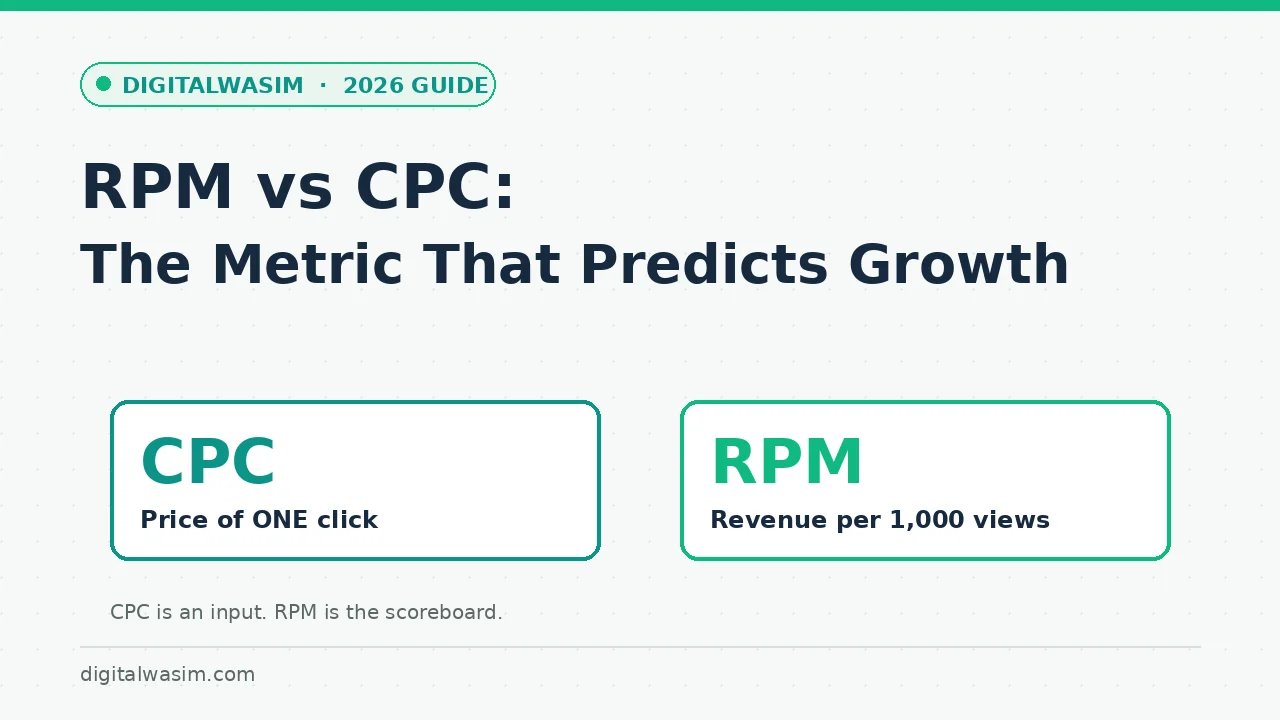
RPM versus CPC explainer AdSense approval guide diversification guideThe safe-enablement formula fits one line: start narrow with in-article and multiplex, add formats on two-week cycles, cap ad load before it caps your audience, and use URL rules to protect the pages that earn trust. Run that loop and Google Auto ads become what the product page promises, a placement team working quietly in the background, instead of a UX wrecking ball.